
Retail
McDonalds mobile order receipt
Customize this retail template in DocDesk—edit every field, then download as JPG or PDF.
About this template
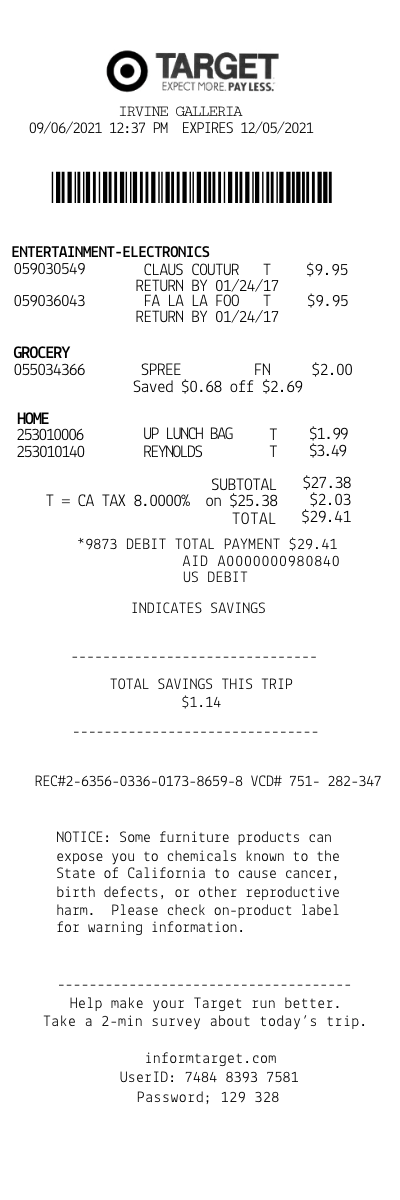
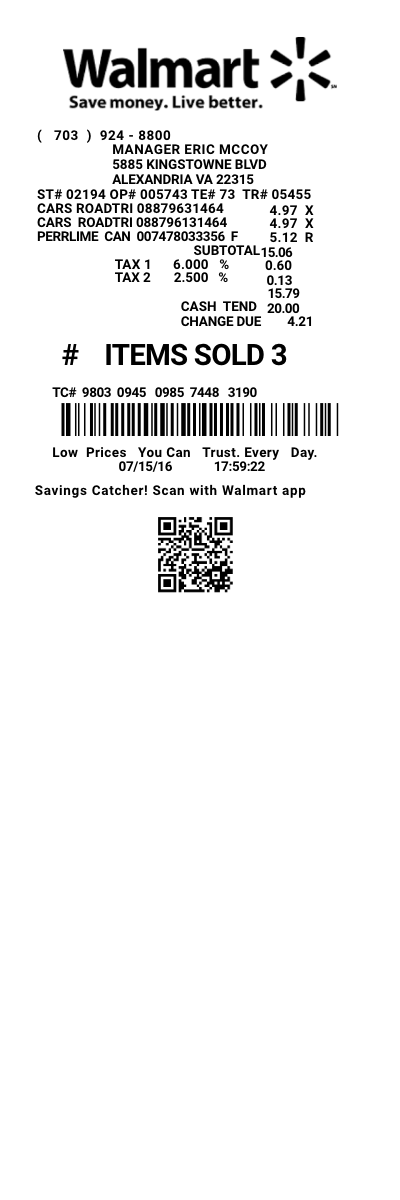
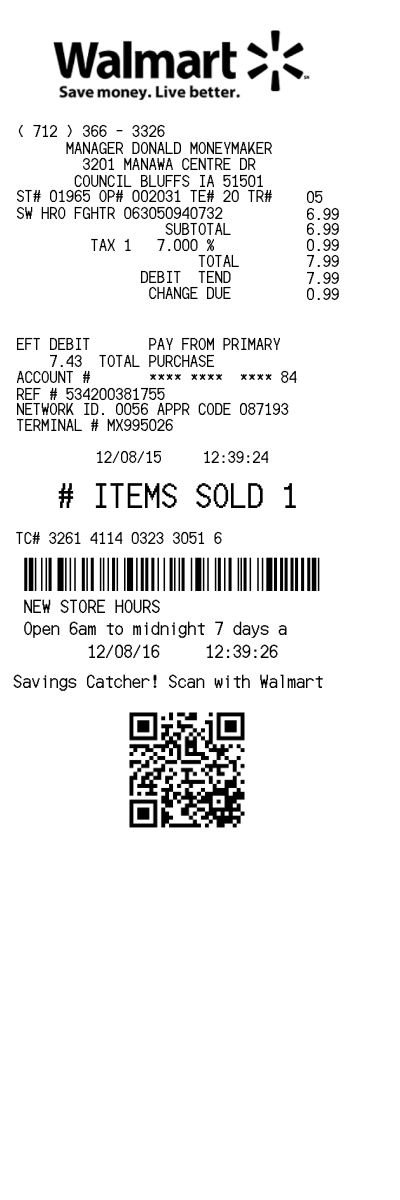
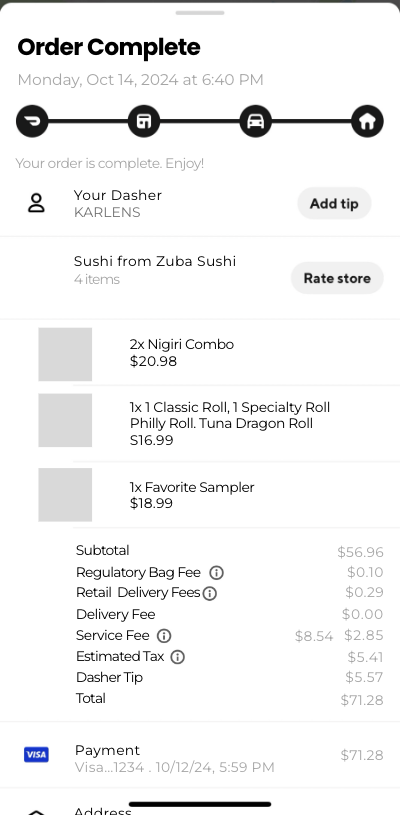
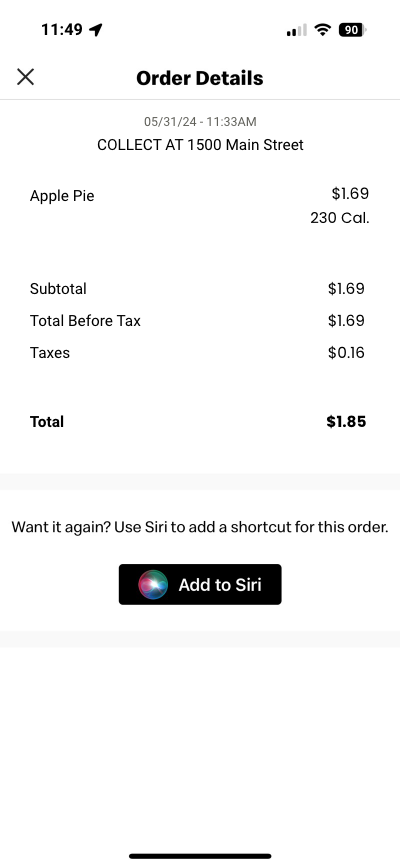
The McDonald's App Mobile Receipt Template is a digital tool designed to enhance the convenience and efficiency of managing your McDonald's transactions. This template replicates the appearance and details of a traditional McDonald's receipt, but in a mobile-friendly format. It is integrated into the McDonald's mobile app, allowing users to easily access, review, and manage their purchase history on the go.
Key Features
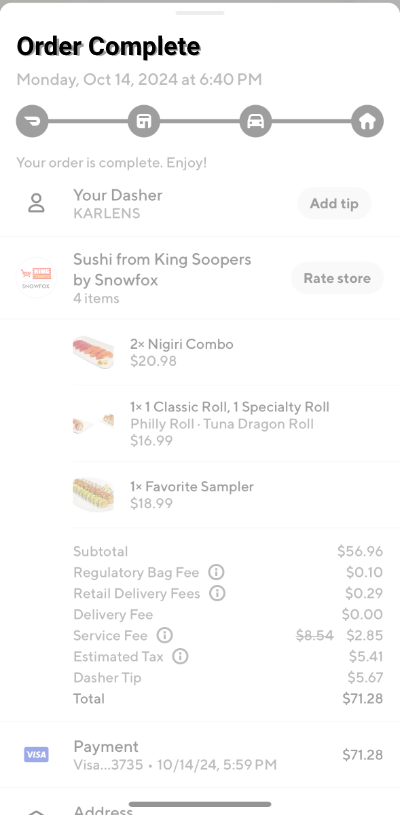
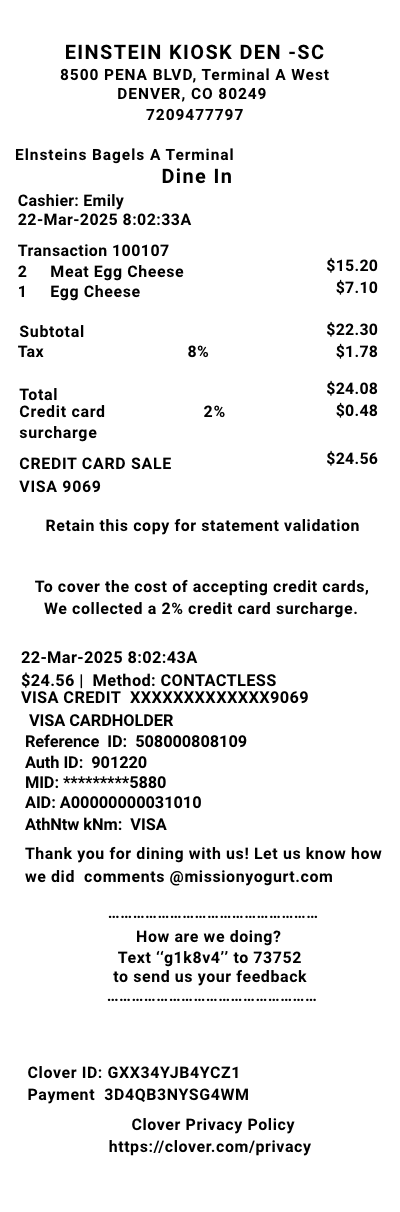
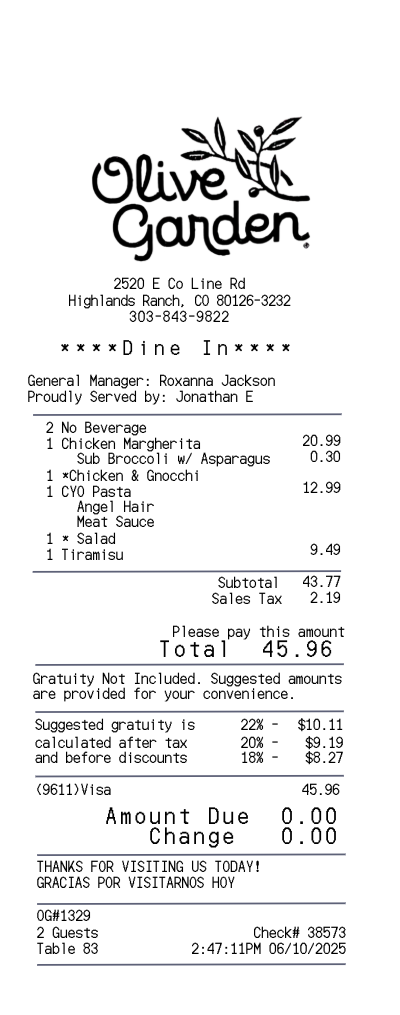
- Date and Time of Purchase: Clearly displayed for accurate record-keeping.
- Itemized List: Detailed breakdown of items purchased, including quantities and prices.
- Total Amount Spent: Easily see the total cost of your transaction, including taxes and discounts.
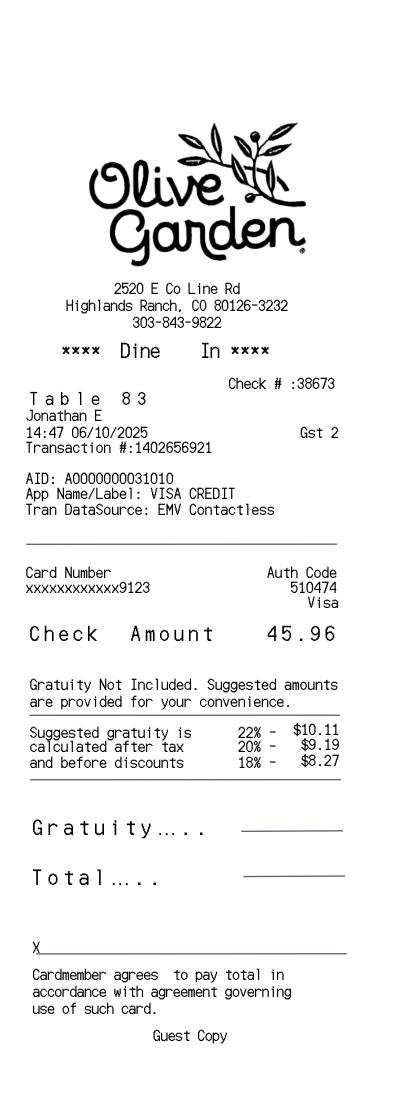
- Payment Method: Information on how the purchase was paid for, whether by card, cash, or digital wallet.
- Store Location: The specific McDonald's location where the transaction took place, useful for returns or queries.